
On this page

Confirm your details to complete your Working With Children Connect setup
Provide and confirm your organisation’s information and verify your identity so that you can start using Working with Children (WWC) Connect.
Why you need to notify about WWC Clearance holders
It’s now a legal requirement to notify the Social Services Regulator of all workers you engage in child-related work.
Before you start
Before you begin, make sure you have:
- your organisation’s postal address
- your organisation’s phone number
- a business email address (you’ll need to verify it)
- your organisation’s industry
- at least 2 identity documents to verify your identity.
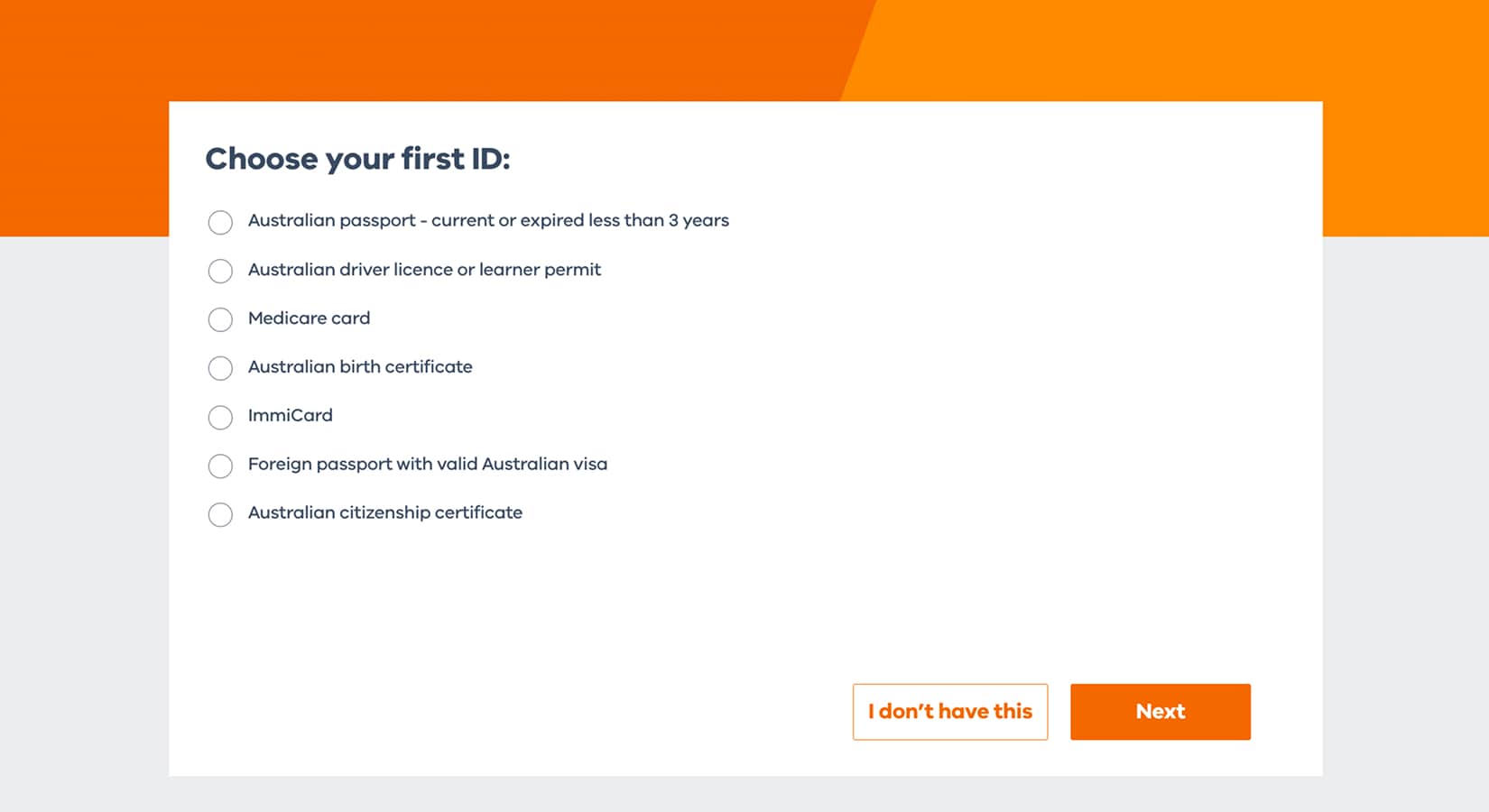
You can use documents such as:
- Australian passport — current or expired within the last 3 years
- Australian driver licence or learner permit
- Medicare card
- Australian birth certificate
- ImmiCard
- Foreign passport with a valid Australian visa
- Australian citizenship certificate
- Australian bank account that’s been active at least 3 months
1. Provide official contact details
We’ll use these details to notify your organisation about WWC Clearance status changes.
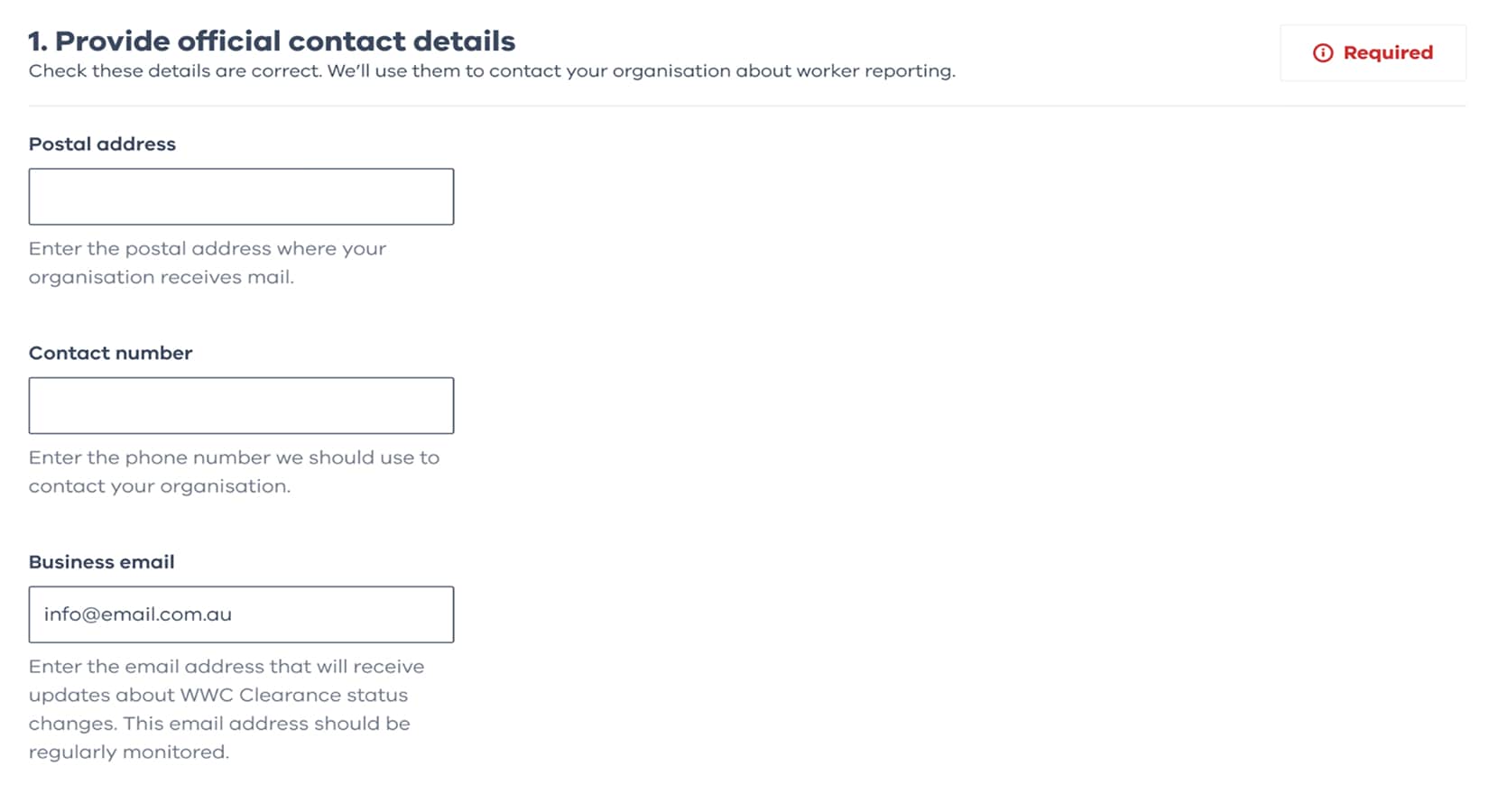
1.1. Postal address
Enter your organisation’s postal address. This is where your organisation receives mail.
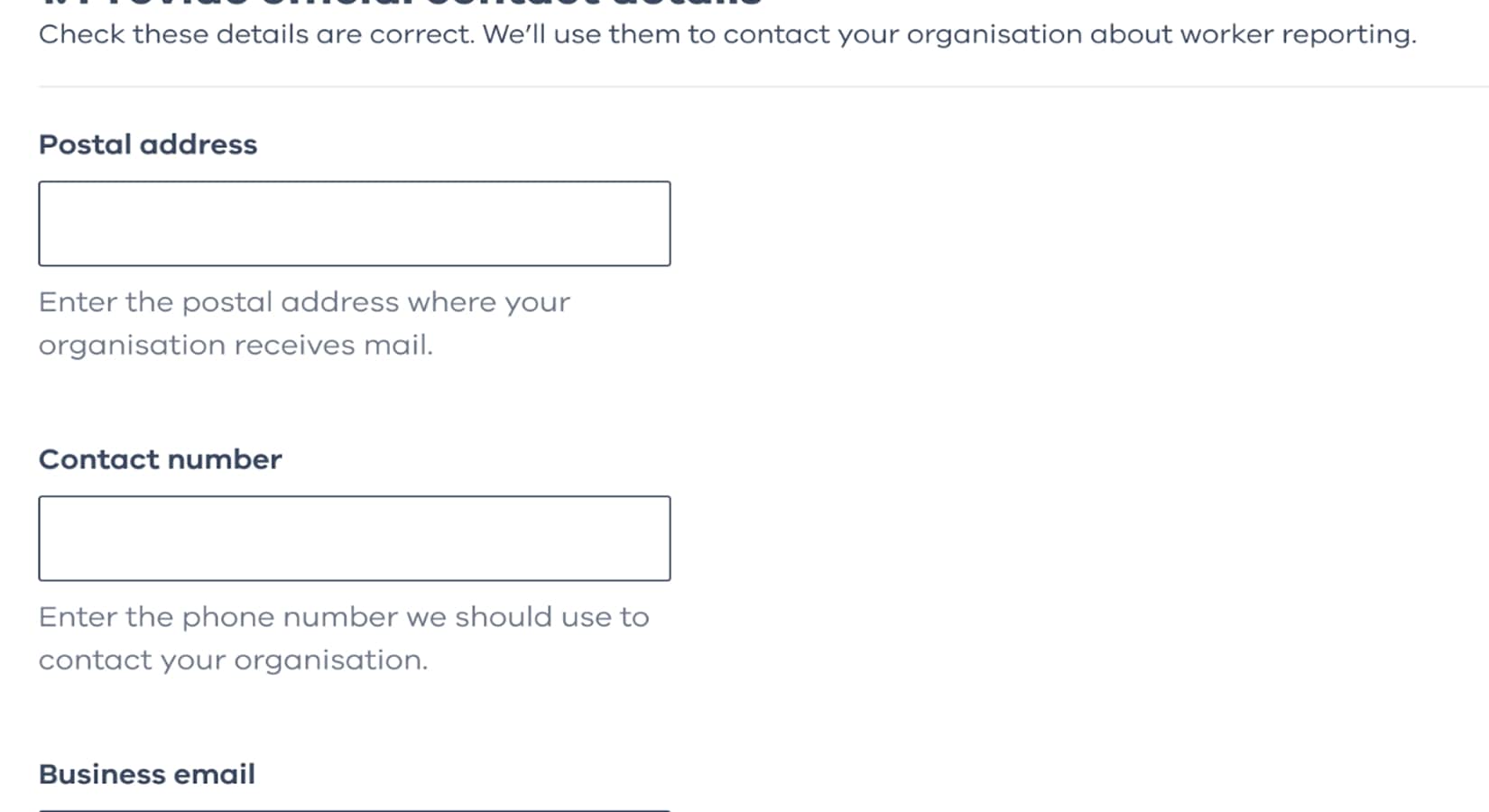
1.2. Contact number
Enter a phone number that we can use to contact your organisation if needed.
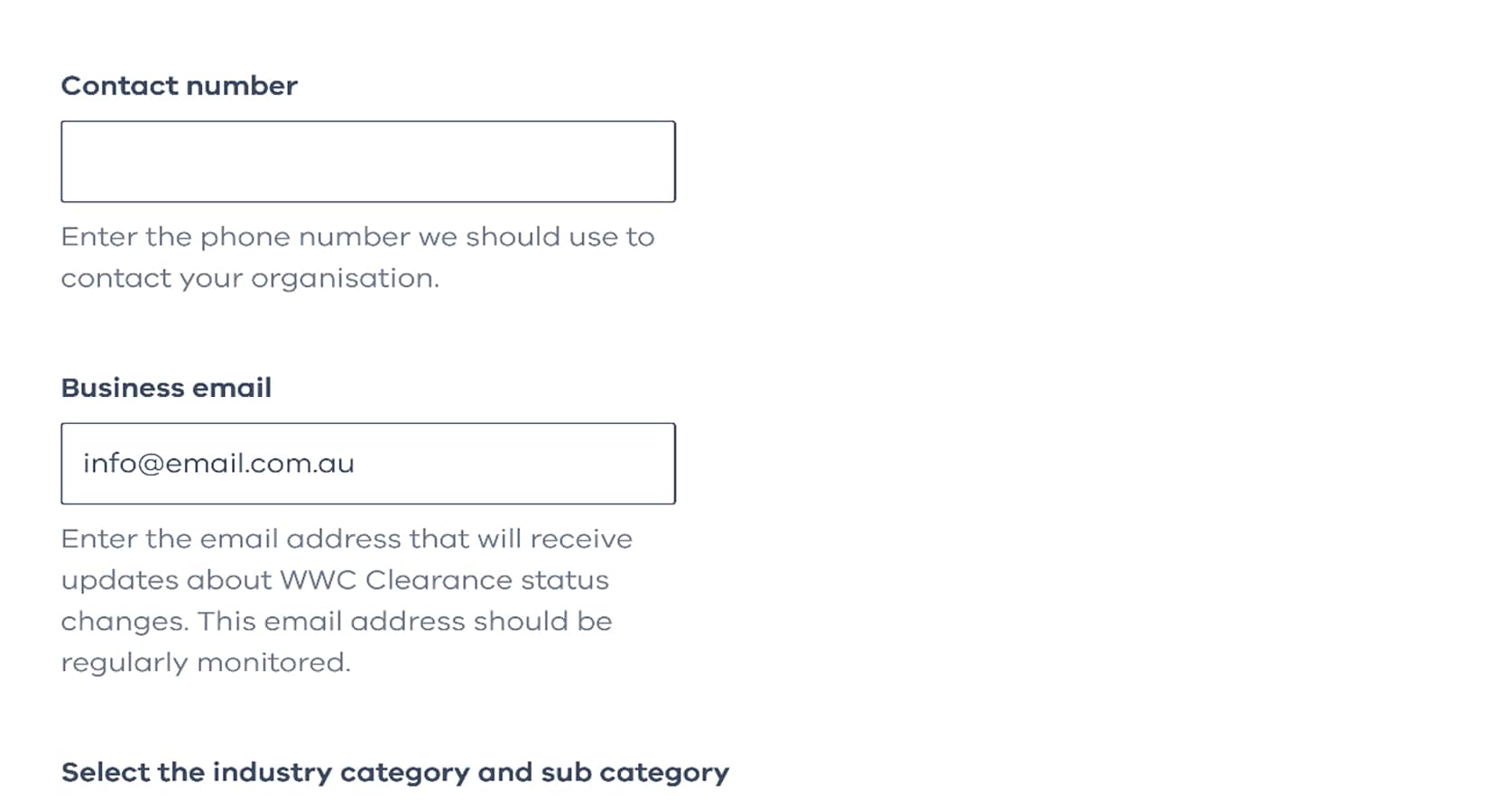
1.3. Business email
Enter your organisation’s business email address.
This is where we’ll send official emails from the regulator, so make sure it’s one you monitor.
We’ll send a verification email to this address before you can continue.
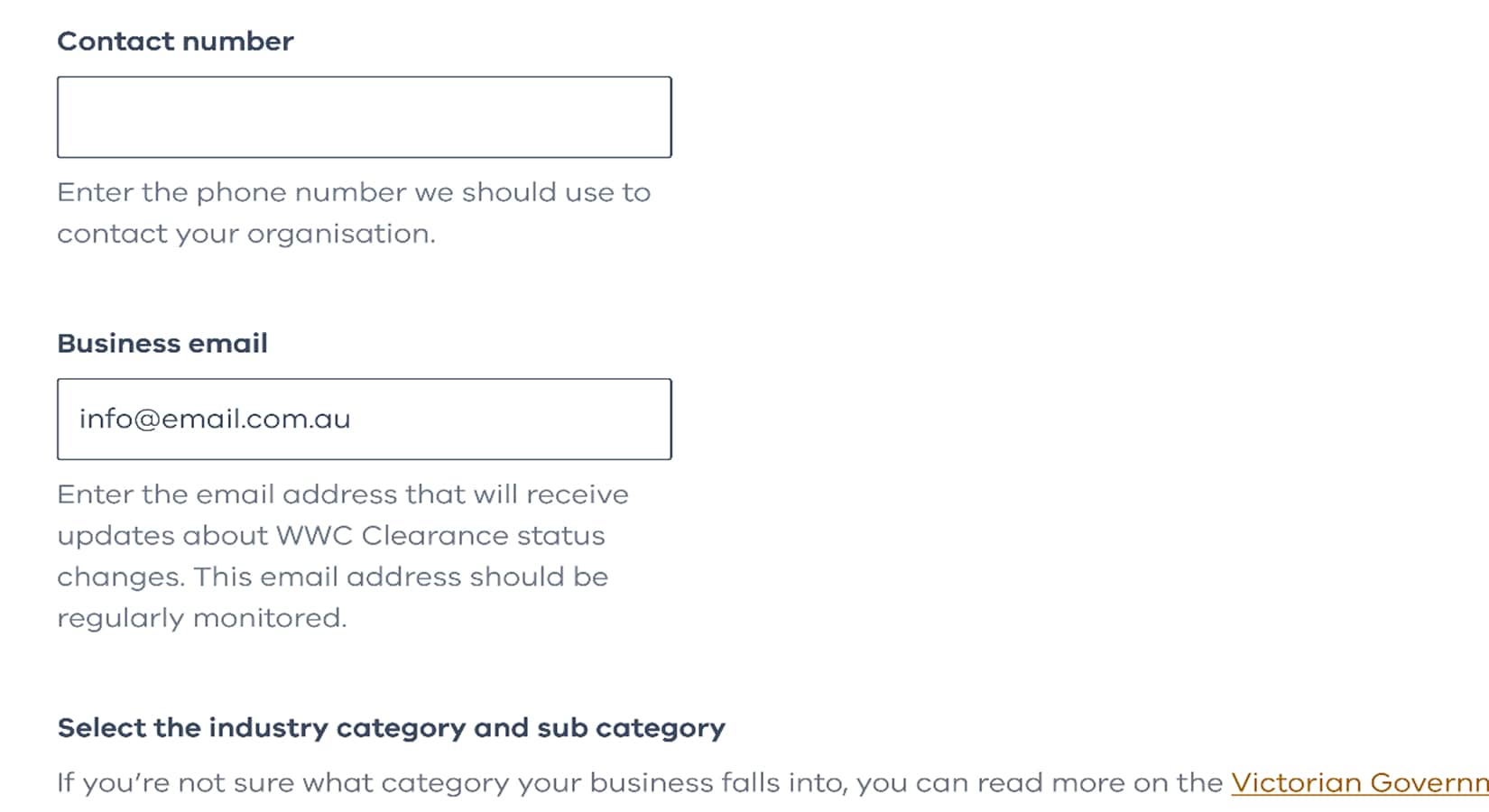
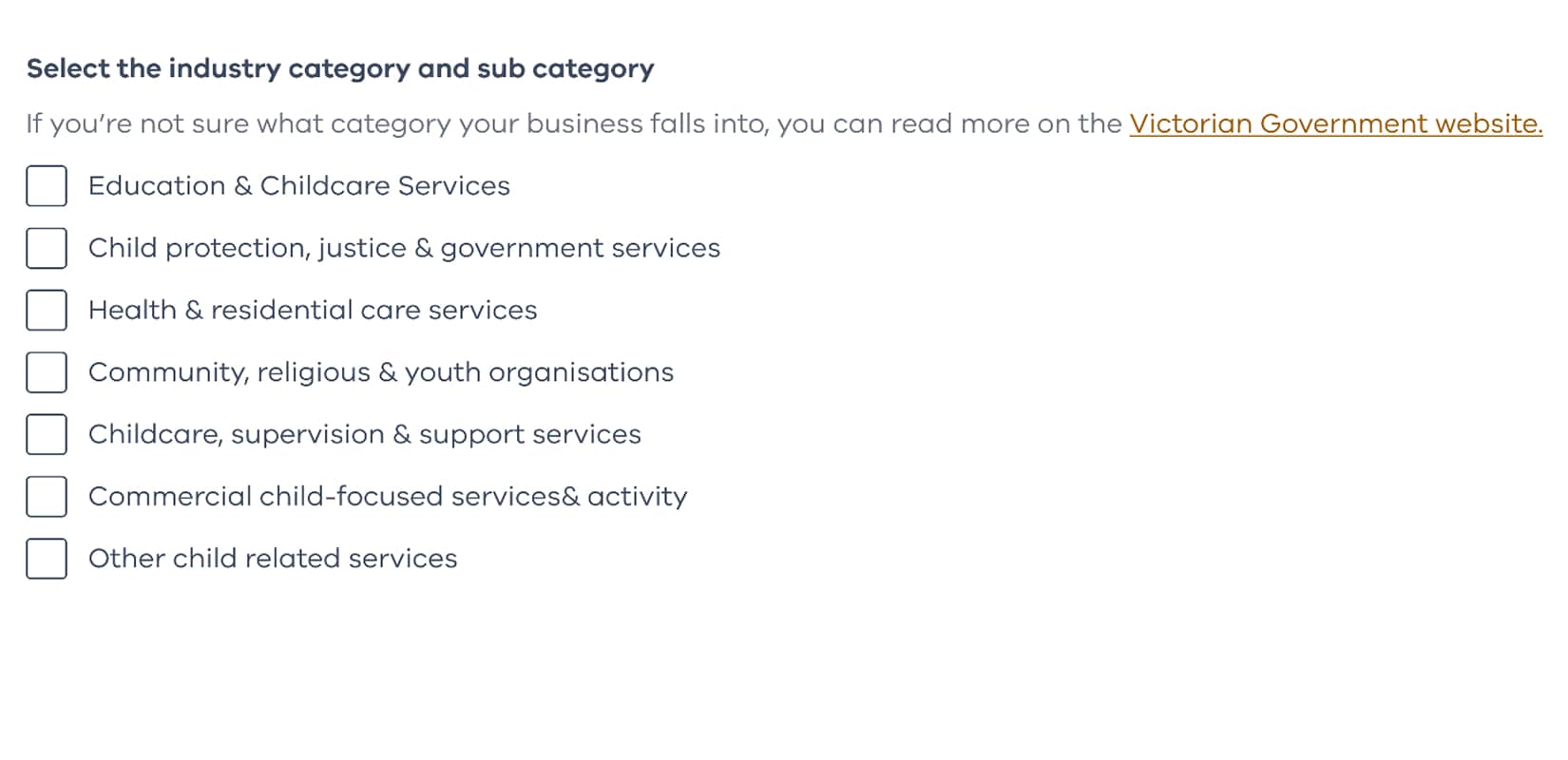
1.4. Industry sector
Select the industry that best matches your organisation.
This helps us provide the right services for your organisation.
2. Complete verification
To protect your organisation, you need to complete the following verification steps.
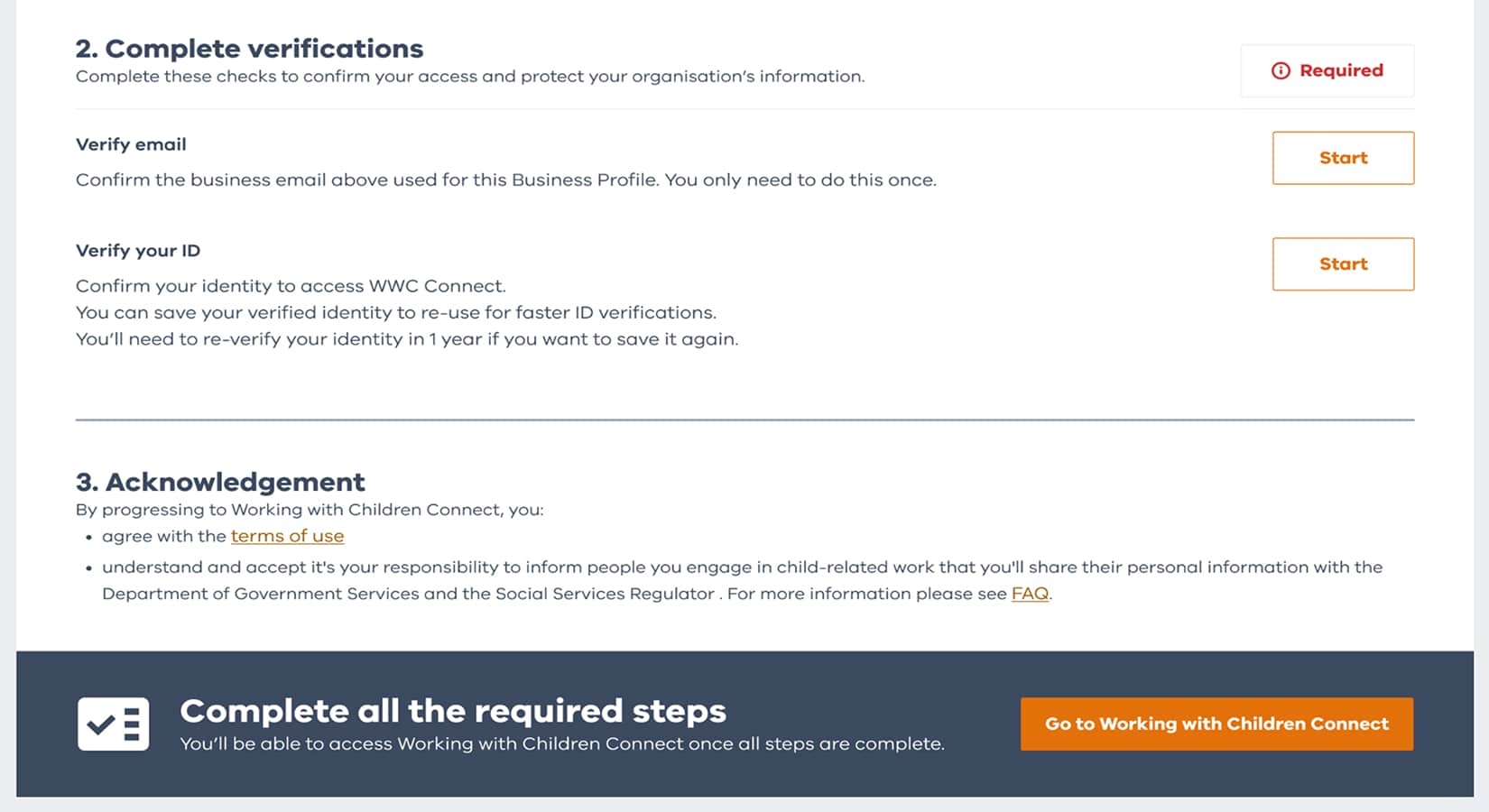
2.1. Verify your email
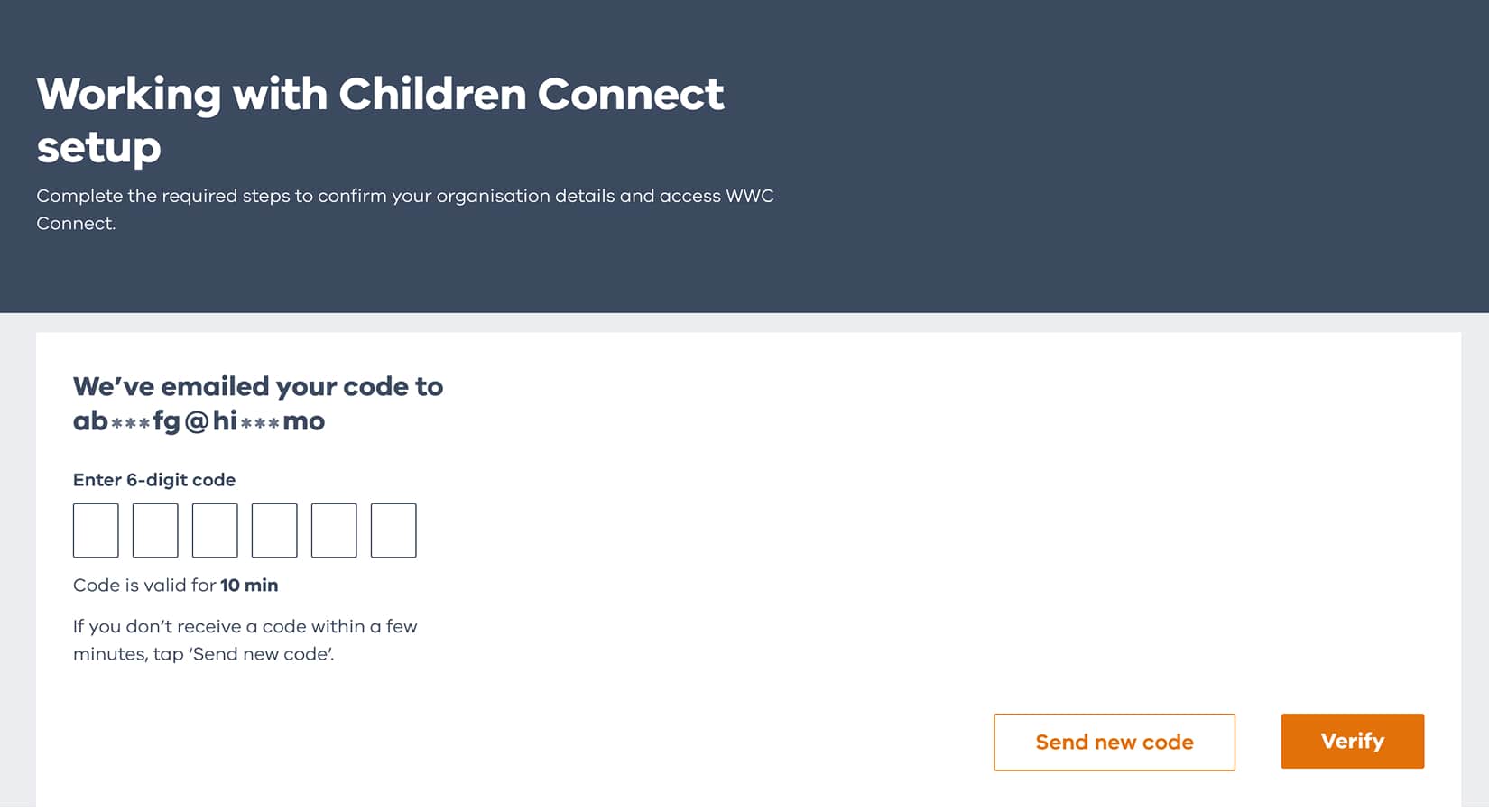
We’ll send a verification code to your business email address.
Enter the code to confirm that you have access to the email account.
2.2. Verify your identity
Verify your identity using at least 2 of the ID documents.
This helps protect your organisation and keeps your information secure.
3. Accept the terms and conditions
By clicking on ‘Go to the worker list’ you accept all the terms and conditions.
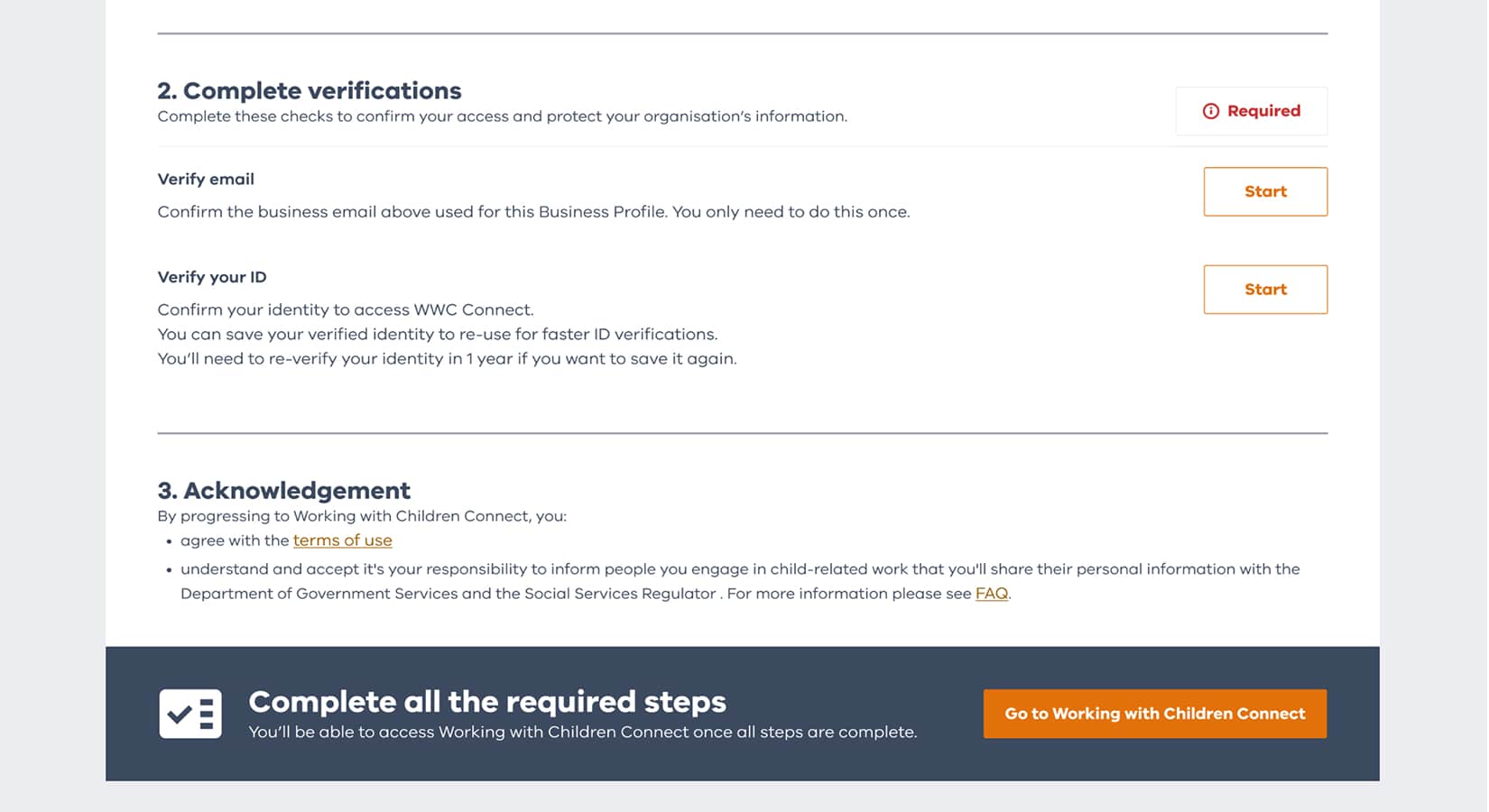
How to complete your Working with Children Connect setup
Watch our step-by-step guide to learn how to complete your worker reporting setup.
Get help with registering and reporting
Have questions about registering and reporting? Choose a category to learn more.



FAQ
Get answers to your questions about Working with Children Connect and more.